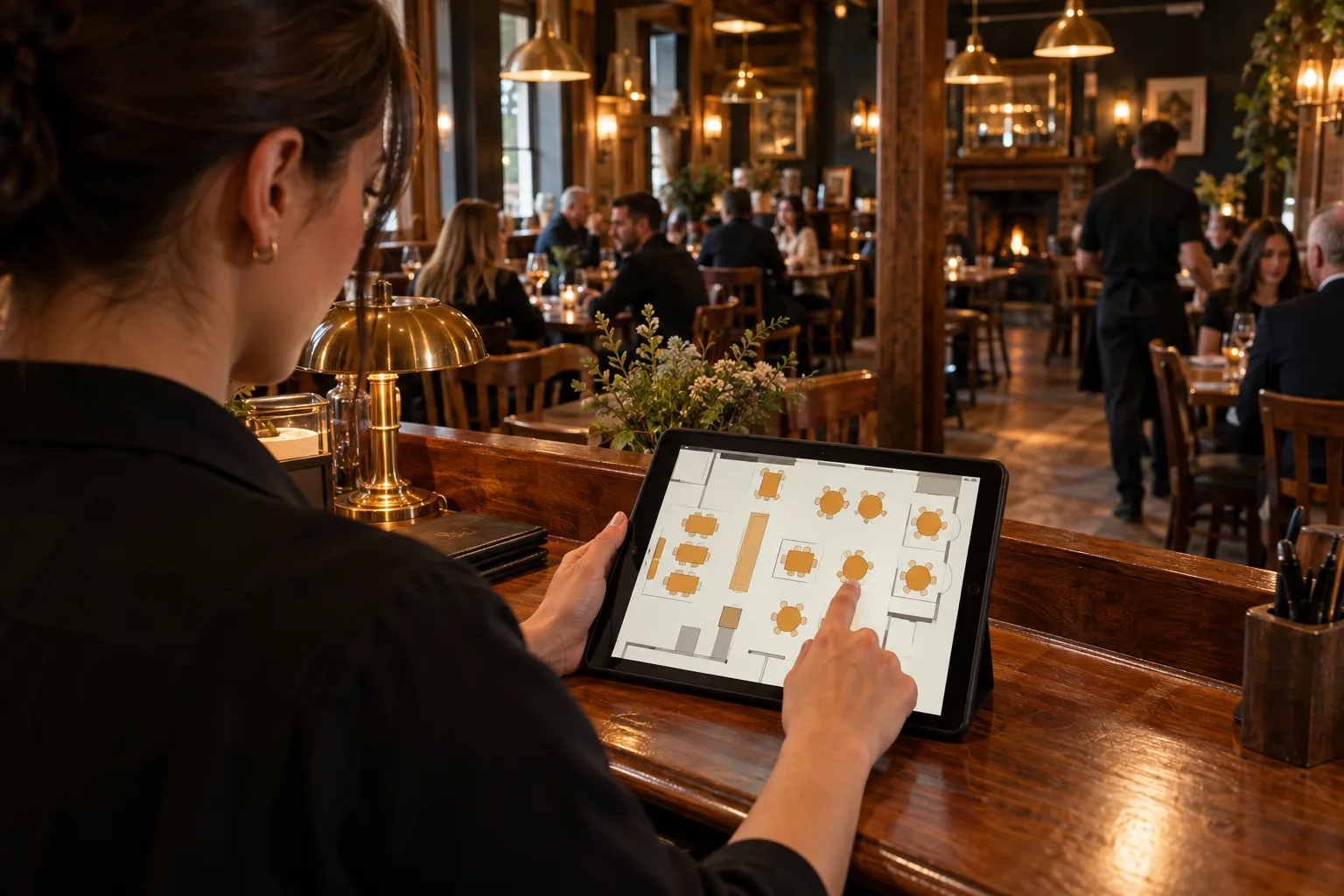
Bring bookings and the layout of your venue into the same operation as ordering and the kitchen. Give your team a clearer starting point for the guests ahead.
Where guests book. Guests book at my.hospitalityapp.co.uk/book/your-venue, where your-venue is your own address. Or paste the booking widget on your website.
Rules you set. How long they have the table, including a different length for a larger party. The last time someone can book. Slots after midnight. A mobile number, when you require one. Closed dates, for a whole day or a window of time.
The diary. Day, week or month, and a block planner.
Phone bookings. Staff with “Can take bookings” can create a booking and amend one.
On the till. Reservations is where you amend a booking, seat the party with a PIN, and see who is due back.
Guest contact. The number is for managers. Tapping Show number is recorded.
The floor plan. Draw it in rooms. Pan and zoom, and print it on A4.
A deposit, if you want one. The guest pays into your own Stripe account. Hospitality App takes no fee. They get an email when it is paid. Take the deposit off the bill and it shows as Deposits on the Z. Stripe’s own fees still apply.
GOOD TO KNOW
A few practical answers.
Are both features in the same plan?
Yes. Complete Plus includes table reservations and floor plans, alongside mobile ordering and kitchen display.
Can we see how this fits our restaurant?
Start a 30-day trial or contact the team to discuss your venue and service setup.