Ticket types
Standard, early bird, table.
Set a price, a limit and when each type goes on sale. A ticket can also be free.

Events & tickets
Quiz nights, live music, tasting evenings. Put tickets on sale from the same system as your till, and scan them at the door.
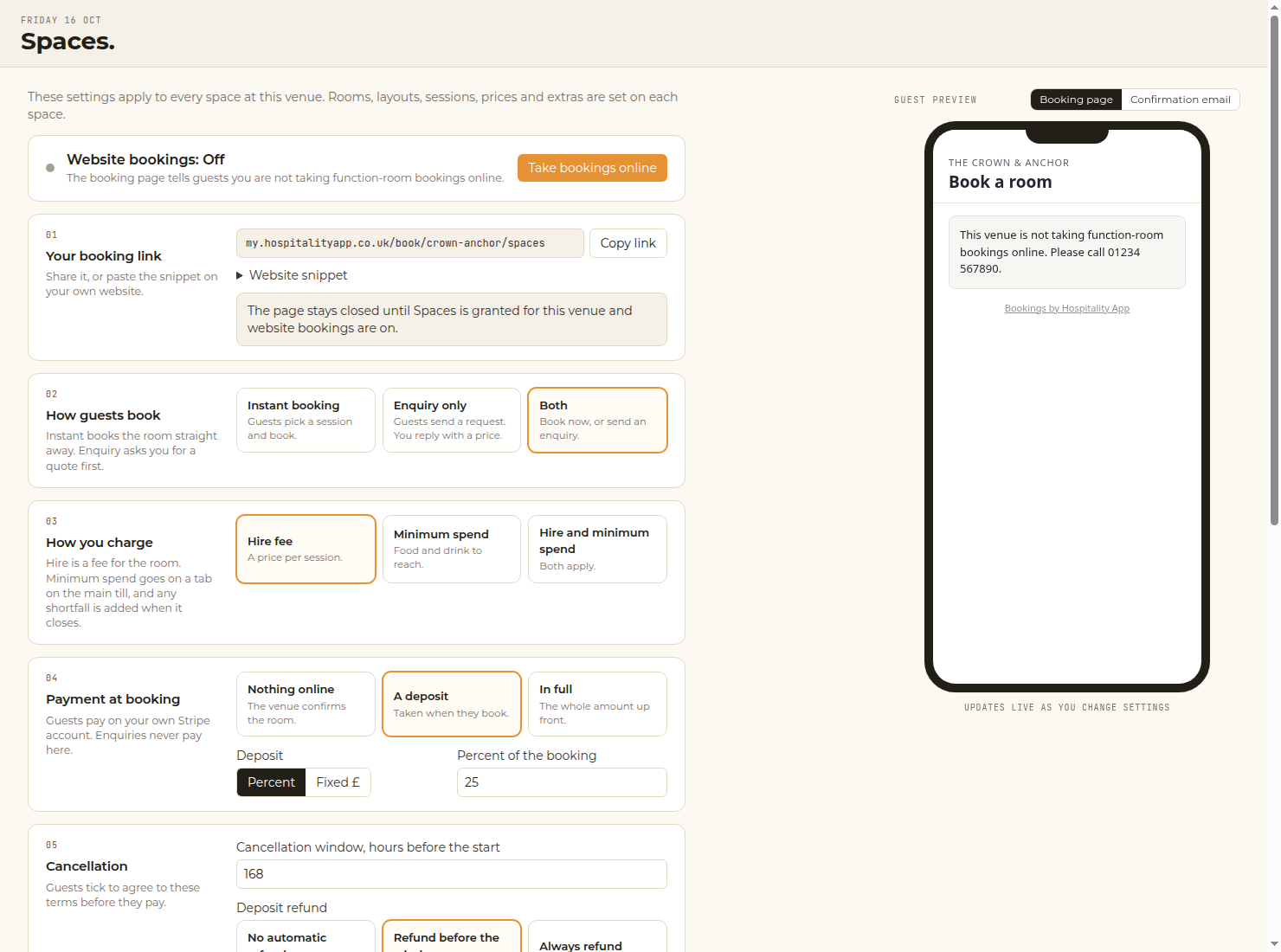
Product screen. Example data, not a live venue’s takings.
Animated walkthrough with example data. Actual app screens may vary.
Kept simple
A short setup, with a preview of the event page and the ticket as you go.
Ticket types
Set a price, a limit and when each type goes on sale. A ticket can also be free.
On-sale time
Schedule the sale, with a countdown on the event page.
Questions
Dietary needs or team names, asked at checkout.
The door
Scan tickets from a staff phone. Each ticket only scans once.
For your guests
Guests see what is on, buy in a few taps and get their ticket by email.
Staff still scan the QR at the door. Adding a pass does not mean Google’s class review is finished, or that Google Wallet is available to every guest.
Setup
Date and doors, ticket types, on-sale time and checkout questions, step by step. The guide is Create your first event.
Good to know
No. Events live in Hospitality App, with the sales in the same reports as the till.
Yes. Set a limit for each ticket type and for the whole event. See Ticket types and limits.
Scan the QR at the door from a staff phone. Each ticket only counts once. The steps are in Scan tickets at the door.
From the confirmation email, or the paid page, they can add it to Apple Wallet and Google Wallet. That is the product. It does not mean Google’s class review is finished, or that Google Wallet is available to every guest.
In the help centre under Tickets, and behind the ? button in the app.
Events and tickets are included on every plan. No ticket fee from us. Book a 15-minute demo and we will show how a night sits alongside the till.
Fifteen minutes, on your venue
Or talk to the team. The till, rota and payroll can still be tried free for 30 days.