Plan the week with confidence.
Build shifts from templates, check availability and spot clashes with approved leave. Keep labour costs in view as you plan.

THE CONNECTED VENUE
The rota sets the shift. The team clocks in. Service gets moving. Your numbers follow. Bring the working day together with tools that share the same information.
Try it with your team ↗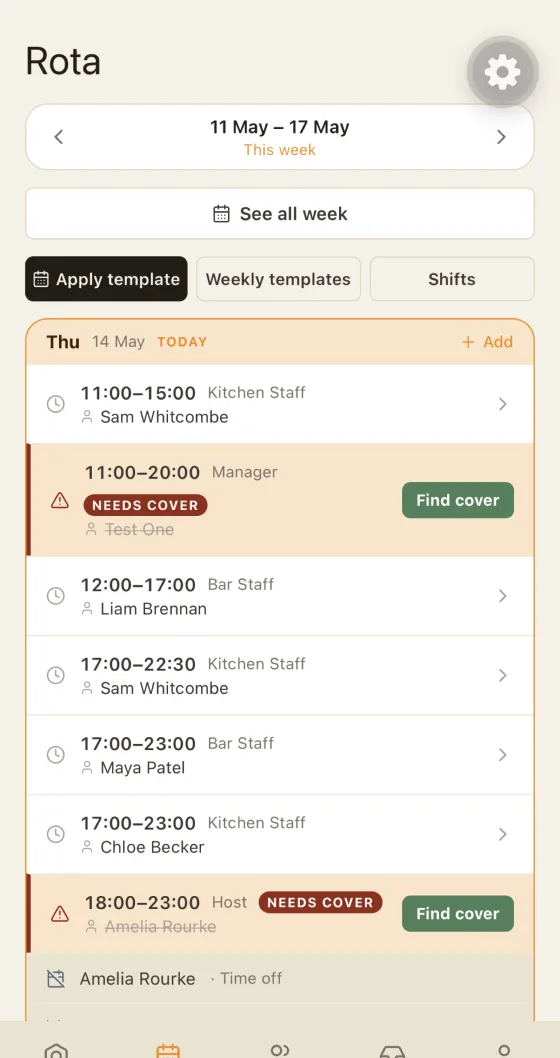
TAKE A CLOSER LOOK
Explore how each part of Hospitality App fits into the working day.
Give your team a plan they can find, and give yourself a clearer view of who is available, where cover is needed and the hours actually worked.
Explore this feature ↗Compliance & daily checksGive opening checks, closing tasks and compliance records a clear place in the working day. See what needs attention without chasing a folder around the venue.
Explore this feature ↗Till / POSKeep the till connected to the rest of your operation. Handle counter or table service while bringing sales and stock into the same system.
Explore this feature ↗Mobile orderingGive your servers a roaming till on their phone. Capture the order at the table and send it through without another trip back to the counter.
Explore this feature ↗Kitchen displayGive the kitchen a shared view of the work coming through. Route tickets to the relevant station and keep preparation connected to the front of house.
Explore this feature ↗Reservations & floor plansBring bookings and the layout of your venue into the same operation as ordering and the kitchen. Give your team a clearer starting point for the guests ahead.
Explore this feature ↗Payroll & payBring attendance and payroll information together. Review the hours worked, resolve discrepancies and prepare the figures your payroll process needs.
Explore this feature ↗Stock & gross profitBring stock and sales into the same operation. Track stock as products are sold and review the gross profit behind them, giving your next stock review a clearer starting point.
Explore this feature ↗Reporting & insightsBring sales and staffing into a clearer view. Explore busy periods and trends so the next rota, stock review or team conversation starts with better context.
Explore this feature ↗Team & communicationKeep shift information and team messages close together. Share notices, send direct messages and give people the context they need before service begins.
Explore this feature ↗Illustrative product scenes. Actual app screens may vary.
01 / YOUR PEOPLE
From publishing next week's shifts to approving a last-minute swap, give your team a clear place to go.
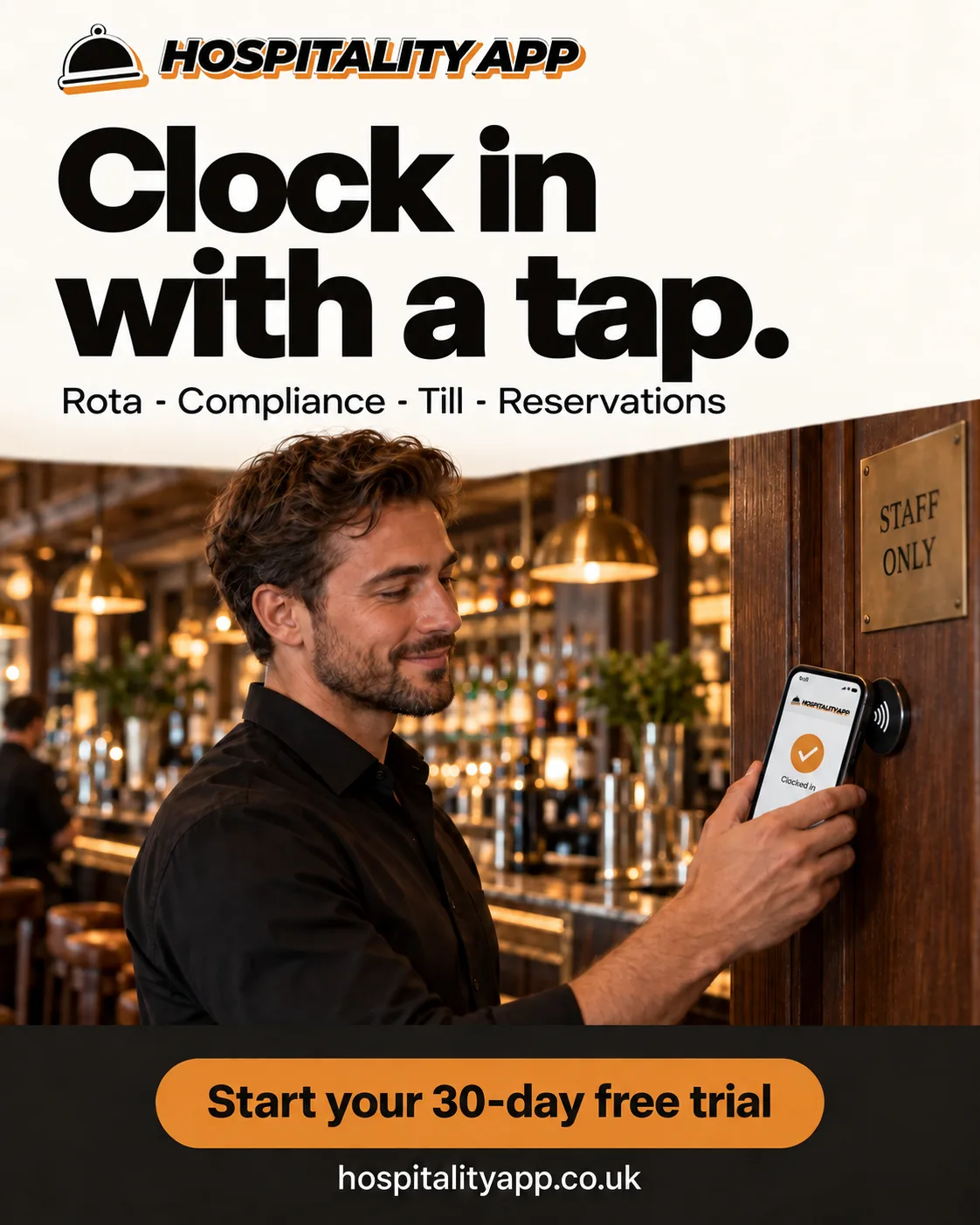
Illustrative product scene. Actual app screens may vary.
Build shifts from templates, check availability and spot clashes with approved leave. Keep labour costs in view as you plan.
Use GPS, QR or NFC clock-in. Review missed clock-outs and discrepancies before they become payroll problems.
Manage staff details, roles and venue permissions in one place. Give each person access that fits their job.
Share notices, send direct messages and put functions or events alongside the rota, so the team knows what is coming.
Explore this feature ↗02 / YOUR STANDARDS
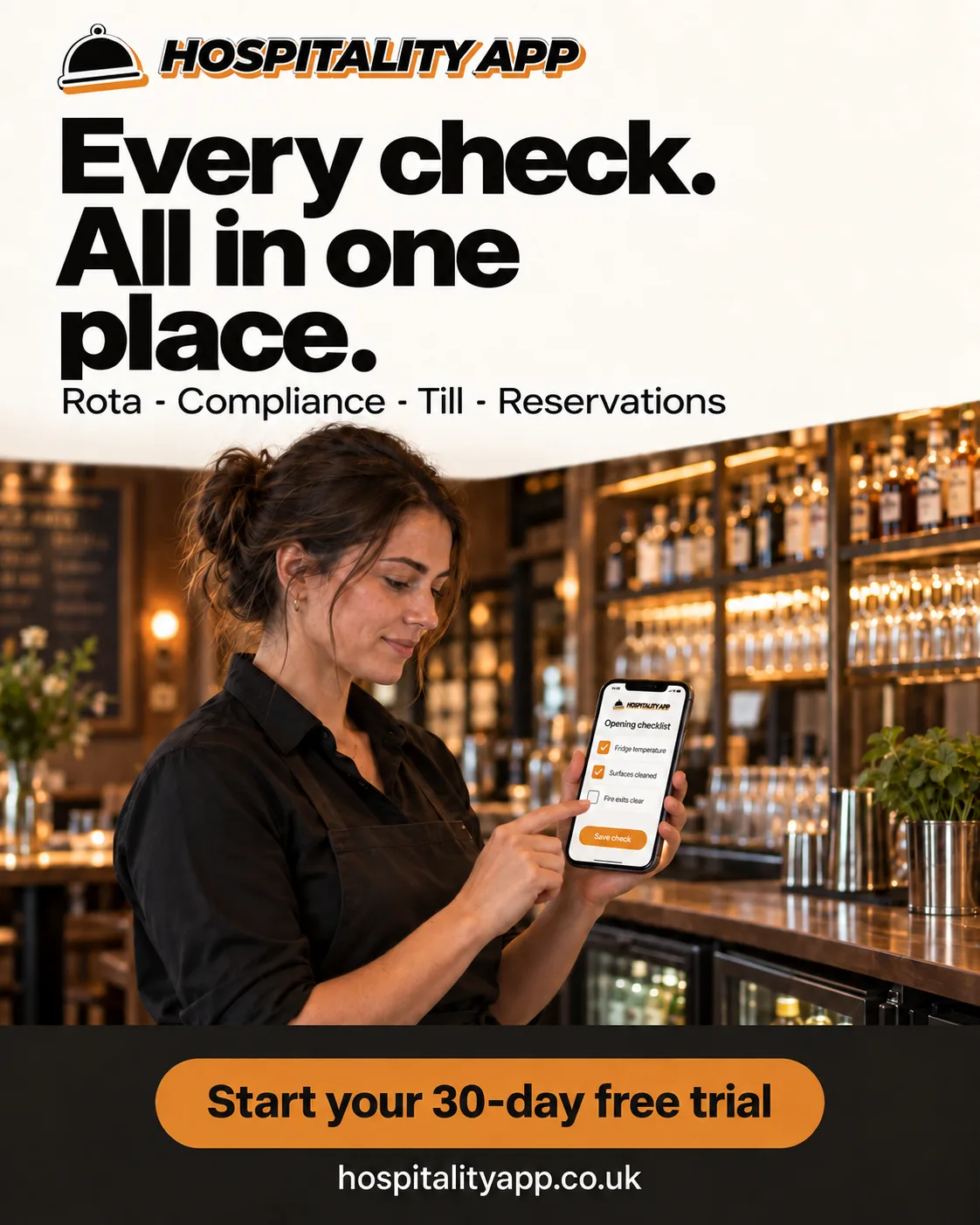
Illustrative product scene. Actual app screens may vary.
A checklist only helps if the right person sees it at the right time.
Attach tasks to shifts. Record readings and photo evidence. Keep certificate renewals visible, with records your team can find when they need them.
03 / YOUR SERVICE · COMPLETE & COMPLETE PLUS
Connect the floor, the bar and the kitchen. Keep orders moving through the same system.

Illustrative product scene. Actual app screens may vary.
TILL / POSRun counter or table service, open tabs, split bills and issue receipts. Use a tablet or a compatible Windows EPOS terminal. Included in Complete and Complete Plus.

Illustrative product scene. Actual app screens may vary.
MOBILE ORDERINGUse a server’s phone as a roaming till, sending orders through to the till and kitchen without a return trip to the counter. Included in Complete Plus.

Illustrative product scene. Actual app screens may vary.
KITCHEN DISPLAYRoute tickets to the relevant kitchen station. Let the kitchen see the orders it needs to prepare. Included in Complete Plus.
TABLE RESERVATIONS & FLOOR PLANS · COMPLETE PLUS
Bring the booking and the layout of your venue into the same operation as ordering and the kitchen.

Illustrative product scene. Actual app screens may vary.
TABLE RESERVATIONSManage table reservations alongside the tools your team uses to run service.
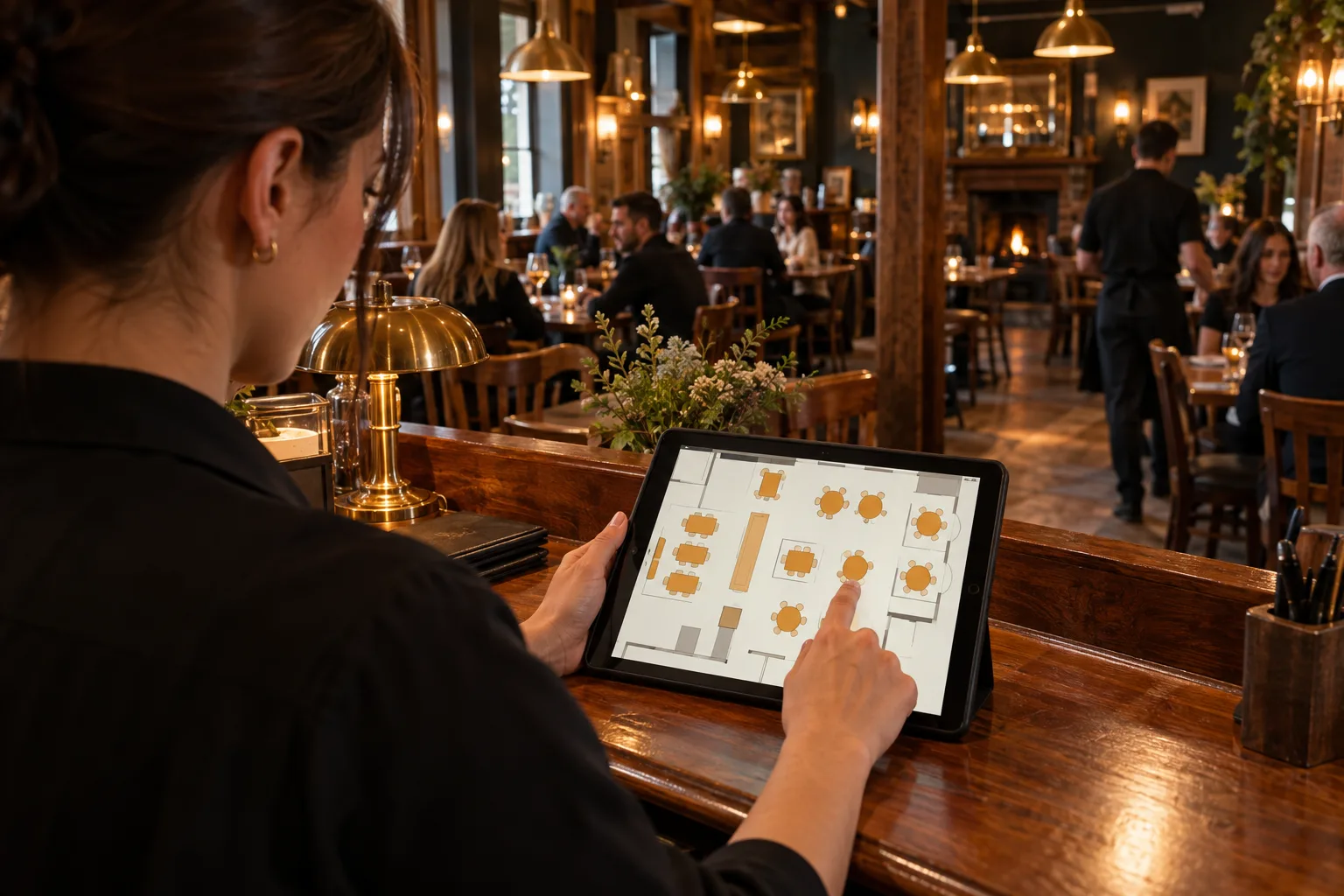
Illustrative product scene. Actual app screens may vary.
FLOOR PLANSBring your table layout into the app, keeping the shape of your venue close to the day’s reservations.
04 / YOUR NUMBERS
Connect what was planned, what happened and what it cost.

Illustrative product scene. Actual app screens may vary.
Build payroll information from recorded hours, review the figures and give staff a view of their own pay.
Explore this feature ↗Track stock as products are sold and review the gross profit behind them. Included with Complete.
Explore this feature ↗Combine till card tips and recorded cash tips, then calculate, review and finalise the statement on Complete.
Use Complete to explore busy periods, staffing, sales and trends. Give decisions a clearer starting point.
Explore this feature ↗MAKE ROOM FOR BETTER DAYS
No card needed. No setup fee.