
Rooms
Booking a stay
Guest, dates, extras and deposit. No deposit, a card deposit, or pay in full.
A stay is booked in five steps: Guest, Dates, Extras, Deposit, then a review.
Guest and dates
Enter the guest’s name and contact, then the arrival and departure dates and the room. Two stays cannot share the same room on the same night. If the room is closed, block the date instead of booking it.
Choose room only or bed and breakfast, matching the rate you set in Setting up rooms.
Extras
Add anything that belongs on this stay, such as a breakfast that is not already in the rate. The line shows on the summary before you save.
Deposit
On the deposit step, choose one of three:
- No deposit. The guest pays at check-out.
- Pay deposit now. The guest pays a deposit by card when they book.
- Pay in full now. The guest pays the whole stay by card when they book.
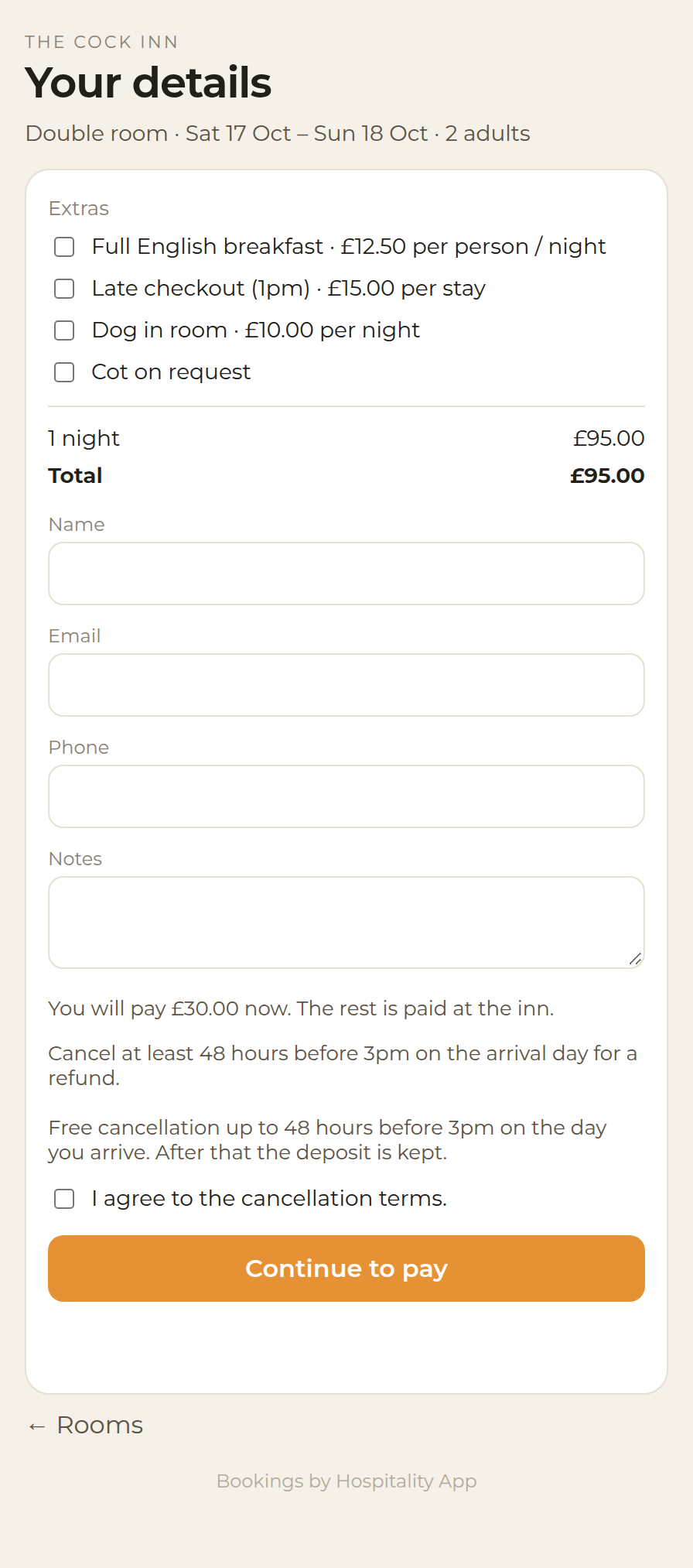
The card payment goes to your own Stripe account. Hospitality App takes no commission. Stripe’s own fees still apply. Connect card payments before you choose a card option.
A stay with no deposit, and anything charged to the room from the bar, is still settled at check-out by card, cash or bank transfer. See The room bill.
Check-out
At check-out the guest settles whatever is left. An itemised VAT invoice is emailed. Room nights stay at 20% VAT. Bar and food keep the VAT already on the till.
? This article also opens from the Rooms screens in the app.