
Spaces
Turning on online booking
A booking page for your venue, linked from your website.
Online booking lets a guest choose a space, a date and a session without calling the venue. Each space can be on or off.
Turn it on
On Spaces, the list shows Online booking for the venue, and each space shows whether guests can book it. Turn it on for the rooms you want on the public page.
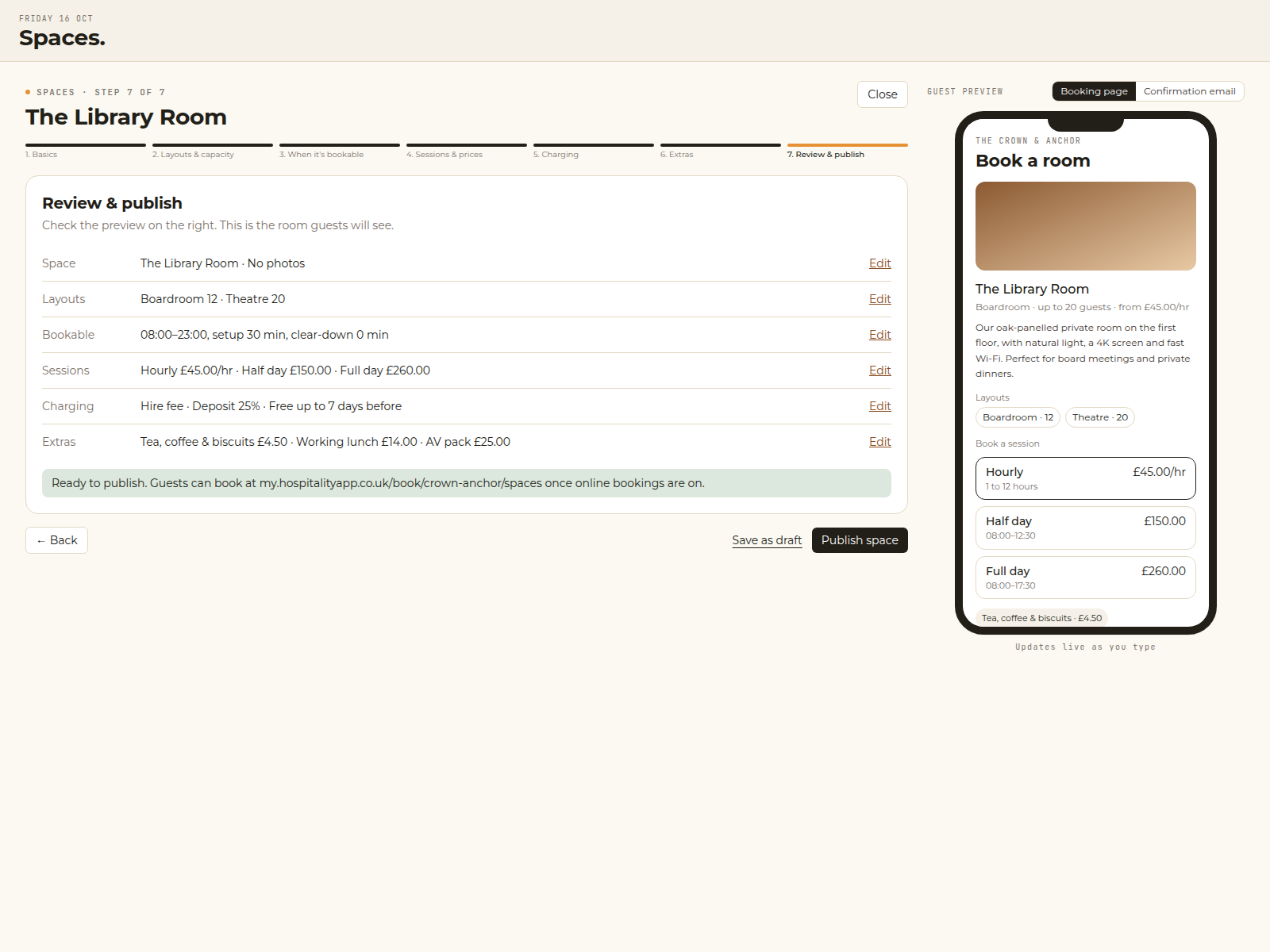
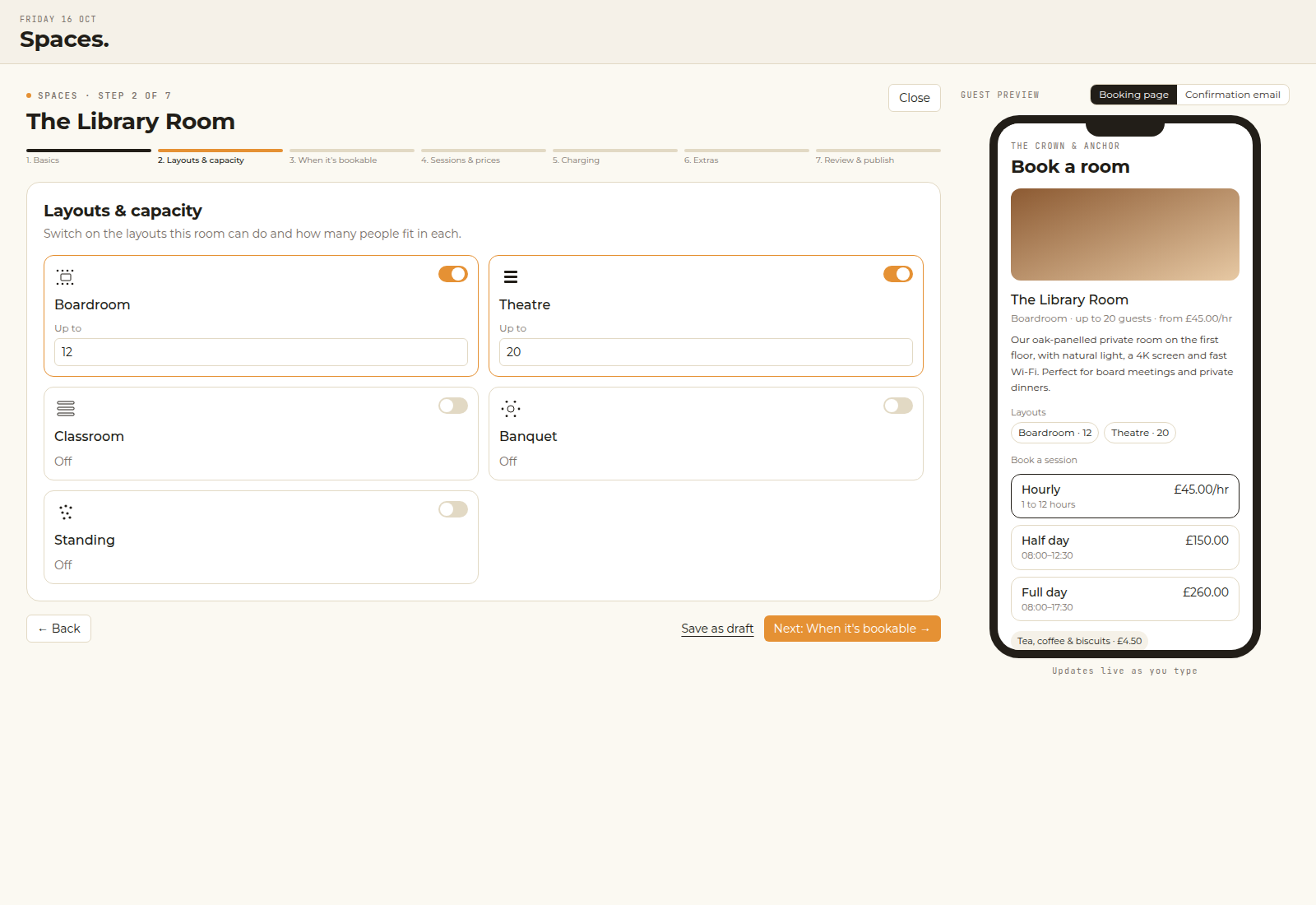
Guests then see the spaces you have published, the party size, and only the sessions that are free.
Payments
If a space asks for a deposit or the full amount, connect card payments first. The money goes to your own Stripe account. Hospitality App takes no commission. Stripe’s own fees still apply.
A space set to enquiries still appears on the page. The guest sends a request instead of paying.
Link the page from your website wherever you want guests to book a room. Dates you have blocked are not offered.
? This article also opens from the Spaces screens in the app.